
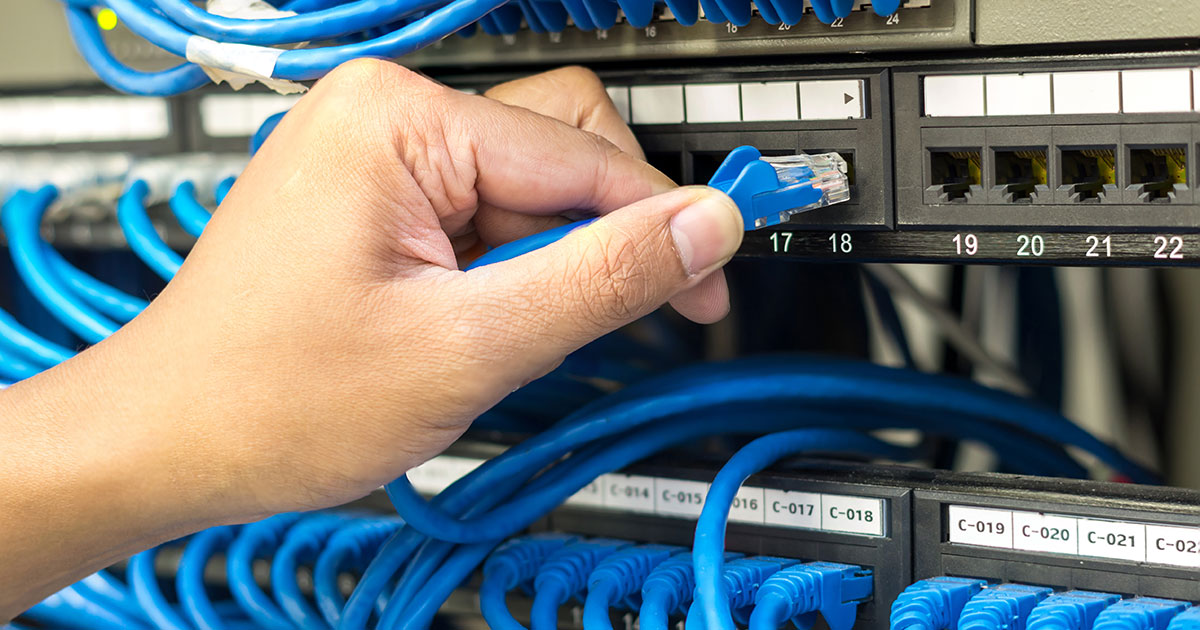
Most K-12 districts run on a lot of technology and very little IT staff, which is exactly why schools have become one of the most targeted sectors for ransomware. Managed IT for K-12 schools means a provider handles the day-to-day work: the network and Wi-Fi, the student and staff devices, backups, security, content filtering, and a help desk. They either run all of it or work alongside your district’s tech coordinator, which is called co-managed IT. The work tends to follow the school calendar, with the big projects landing over summer break.
Two rules shape almost everything. Student data is protected under FERPA, and any district that takes E-Rate funding has to meet CIPA by filtering internet content and keeping an internet safety policy on the books. The right setup keeps classrooms running, protects student data, and fits a school budget.
Key Takeaways
- Schools hold a goldmine of student and staff data but usually run on minimal IT staff, which is why ransomware crews target them.
- School IT is its own animal: huge device fleets, two user groups (students and staff) on one network, and a calendar where the big projects have to happen over summer.
- The essentials are a solid network and Wi-Fi, managed devices, tested backups, layered security, content filtering, and real help-desk coverage.
- Compliance is not optional: FERPA protects student records, and CIPA filtering is a condition of E-Rate funding.
- Most districts do best with a managed or co-managed setup that backs up a single tech coordinator, not by leaning on one overloaded person.
Why are K-12 schools such a big target?
Here is the uncomfortable truth. Schools sit on exactly what attackers want, and they are usually guarded by exactly what attackers hope for. A district holds Social Security numbers, birthdates, health records, and family financial information for hundreds or thousands of children and staff, and it often protects all of that with one tech coordinator who is also teaching a class or running the help desk out of a closet. That gap is the whole appeal.
The “we are too small and rural for anyone to bother” line does not hold up. Ransomware is mostly automated. The attack does not know it hit a 400-student district in Iowa instead of a big-city system. It knows it found an unpatched server and a password that worked. Schools have become one of the most frequently hit sectors precisely because the data is valuable and the defenses are thin, which is why the federal cybersecurity agency runs its own K-12 cybersecurity program.
Picture the version that actually happens. Ransomware lands over a school break, when nobody is watching, and by Monday the student information system is locked, attendance and grades are gone, and you cannot prove who is even supposed to be in the building. That is not a scary story meant to sell you something. It is a normal week somewhere in the country, and the fix is mostly boring prevention done ahead of time.
What makes school IT different from a typical business?
Think about how a district already treats its bus fleet. You do not wait for a bus to break down on a route with kids aboard. You inspect and service the fleet over the summer so it is road-ready before the first run in August. School technology deserves the exact same habit, and that is the lens that makes the rest of this make sense.
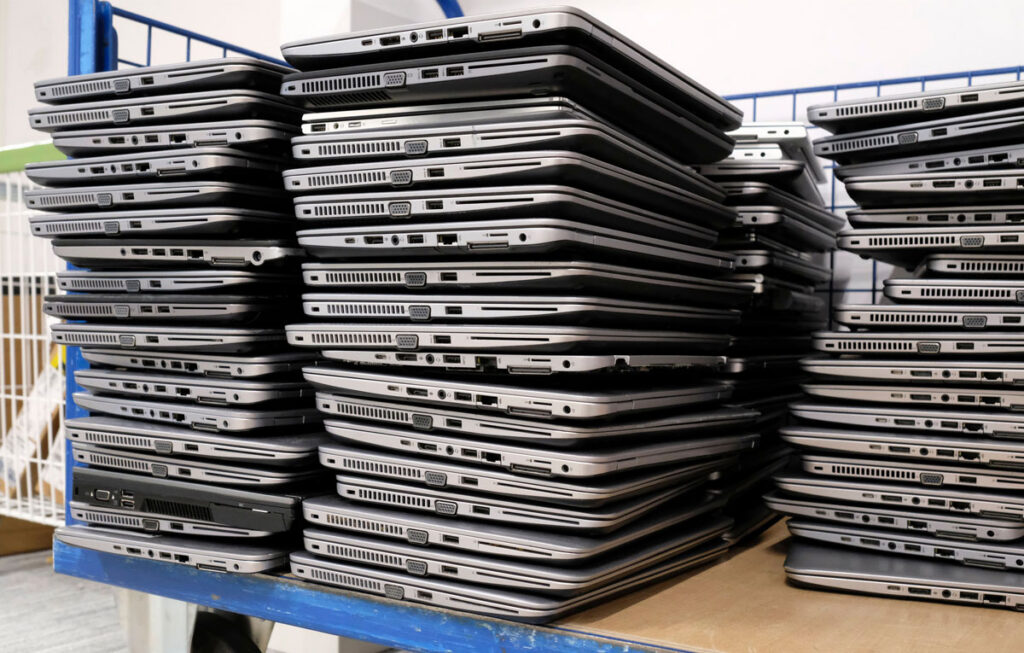
If you have run IT for a normal office, a school looks familiar for about a day. Then the differences pile up. You are supporting two completely different populations on the same network: staff who need email, payroll, and the student information system, and hundreds or thousands of students on Chromebooks or iPads who will click anything. Device counts are enormous relative to budget, and the devices move, get dropped, and go home. The calendar runs your life, because you cannot rebuild a network in October, so the real work happens in a few short weeks over summer and has to be ready before the first bell. And the money arrives in cycles and grants rather than a steady monthly line, so timing matters as much as cost.
None of that is a reason to throw up your hands. It just means school IT rewards planning and punishes winging it more than most businesses do.
What does a district need to keep technology running and safe?
Strip away the jargon and a district needs a handful of things kept in good repair, the way you would maintain that fleet. It starts with a network and Wi-Fi that hold up in every classroom, all day, which means real coverage design, enough bandwidth that testing season does not crawl, and segmentation so the student Wi-Fi cannot reach the payroll server or the student information system. It means managing the devices, with a way to push updates, settings, and apps to every Chromebook, iPad, and laptop at once, and to lock or wipe one that walks off (that is mobile device management). And it means backups you have actually tested, with a defined recovery point and recovery time, so a ransomware hit or a dead server is a bad afternoon instead of a lost semester.
On top of that sits security, in layers: a managed firewall, modern endpoint detection and response on the devices rather than just old-style antivirus, multi-factor authentication on staff accounts, and least-privilege access so one stolen login does not open the whole district. Content filtering belongs here too, both because it keeps students away from what they should not see and because, if you take E-Rate, the law requires it. And none of it matters without real help-desk coverage: someone to call when a smartboard dies mid-lesson, including the nights and weekends when a server actually fails. No single teacher-slash-coordinator can keep all of that maintained alone, and that is the honest heart of the problem.
What about CIPA, FERPA, and student data?
Two rules drive most of the compliance conversation in a school, and both are worth knowing in plain terms.
FERPA, the Family Educational Rights and Privacy Act, protects student education records. In practice it means student data has to be kept private and shared only with the right people, which puts real weight on access controls, secure storage, and vetting the ed-tech vendors you hand student data to.
CIPA, the Children’s Internet Protection Act, is tied to funding. If your district takes E-Rate discounts on internet access or internal connections, you have to certify that you filter obscene and harmful images and that you keep an internet safety policy on the books. Miss it and you can lose the discount or get clawed back in an audit.
Neither one is exotic. They are mostly the same security hygiene you would want anyway, written into law. The trap is treating them as a binder that gets dusted off once a year instead of something built into how the network actually runs.
How do schools pay for this? E-Rate and cyber funding
This is where school IT diverges hardest from a business, and it is good news, because schools have funding sources a normal company does not. E-Rate, administered through USAC under the FCC, discounts eligible broadband and network equipment for schools and libraries, often heavily depending on your poverty level and how rural you are. Category 1 covers your internet and data connections. Category 2 covers the internal connections, the Wi-Fi, switches, and cabling, that most summer projects are made of.
There is a process behind it, and it is worth understanding because it shapes the calendar. To use E-Rate, a district posts what it needs for competitive bid (an FCC Form 470), waits at least 28 days, and then chooses a provider. That is the part we live on our side of the table: ANP bids on that work, and when we win it, the buildout lands in the summer. So a lot of what we do for districts is not a vague “IT contract,” it is a specific, funded project that has to be designed, ordered, and installed in the weeks the building is empty. The one string attached is CIPA: take the discount and you have to certify the filtering and internet safety policy described above.
Cybersecurity specifically has been harder to fund through E-Rate, which is why the FCC ran a separate $200 million, three-year Schools and Libraries Cybersecurity Pilot to test paying for firewalls, endpoint protection, identity tools, and monitoring. Participants were already selected, so it is not an open application today, but it is a strong signal that dedicated cybersecurity funding for schools is on the way, and it is worth tracking with whoever handles your E-Rate. The practical takeaway: do not assume you cannot afford to do this right. Map what you need first, then line it up against the funding you can actually pull.
Hire IT staff, or bring in a managed provider?
Most districts cannot justify a full IT department, and most cannot run on nothing either. The realistic options look a lot like they do for any organization, which we walk through in our guide to managed IT versus in-house versus break-fix. For schools, two patterns tend to win.
If you have no real IT staff, fully managed IT puts the whole job on a provider. If you already have a tech coordinator, and most districts do, co-managed IT is usually the better fit. Your person keeps the parts that need someone who knows the building and the staff, and a provider adds the round-the-clock monitoring, security tooling, after-hours coverage, and summer-project muscle that one person cannot cover alone. It also means the district is not dead in the water the week that person is on vacation or out sick.
The point is not to replace your tech coordinator. It is to stop asking one person to be a network engineer, a security analyst, a help desk, and a Chromebook repair shop all at once.
Why summer is the time to fix managed IT for K-12 schools
If any of this is on your list, the calendar is talking to you. Summer is when the fleet comes in for service. The window to rebuild a network, re-image a device fleet, roll out new security, or change providers is the stretch when students are gone. Try to do it in October and you are fighting live classrooms. Do it in July and you have room to test before anything is graded on it.
The window is open right now. The districts that have a smooth August are the ones that move early in the break: an honest technology audit first, then a clear call on what to fix first, then the work and the funding lined up before the calendar runs out. The longer you wait toward August, the more of the window you lose.
Where ANP fits
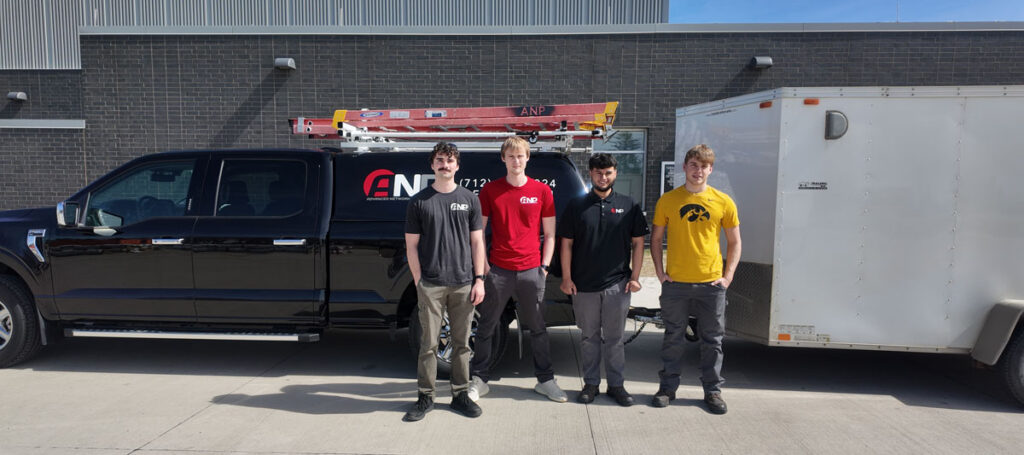
Advanced Network Professionals works with schools across northwest Iowa, and the school calendar is built into how ANP operates. We are a local team of 17, Microsoft- and Fortinet-certified, close enough to actually show up. Every engagement starts with an audit of what you have. We document it, fix the most important problems first, and keep everything monitored year-round. ANP runs fully managed IT services for districts without internal staff and co-managed IT alongside the tech coordinators who already handle the day-to-day, and we are set up for the parts that are particular to schools: bidding and delivering E-Rate summer projects, and recycling the old hardware responsibly when a device fleet ages out. We back all of it with 24x7x365 support, which matters at 6 a.m. before testing, or over a holiday break when ransomware tends to strike. If a summer project is on your list, now is the time to map it out together.
Frequently Asked Questions
Do small or rural districts really need this?
Yes, and arguably more than big ones. Automated attacks do not care how small you are, they care whether they found a way in, and thin staffing makes a small district more exposed, not less. The good news is that the basics (patching, backups, MFA, filtering) go a long way and are well within reach.
What is the difference between FERPA and CIPA?
They are two different federal laws that both apply to most districts. FERPA protects the privacy of student education records. CIPA requires you to filter obscene and harmful images and keep an internet safety policy as a condition of receiving E-Rate funding. One is about data privacy, the other is about content filtering tied to funding.
Can we keep our tech coordinator and still use a provider?
Yes, and that is exactly what co-managed IT is for. Your coordinator keeps the work that benefits from someone who knows the district, and the provider adds monitoring, security, after-hours coverage, and extra hands for big projects. It also means you are not stuck the week your coordinator is out.
When should we start planning summer IT projects?
Ideally before school lets out, so the work can run all summer and be ready for August. If you are already into the break, do not wait: get an audit done now, decide what matters most, and tackle the critical work while the building is empty. A provider with summer capacity can still get a lot done in the weeks you have left.
Talk it through while the window is open
With students gone for the summer, you finally have the building to yourself, and that is exactly when these projects get done. The closer you drift to August, the tighter it gets. Request a quote and we will start with a look at where your technology and your defenses actually stand. No jargon, no pressure.