
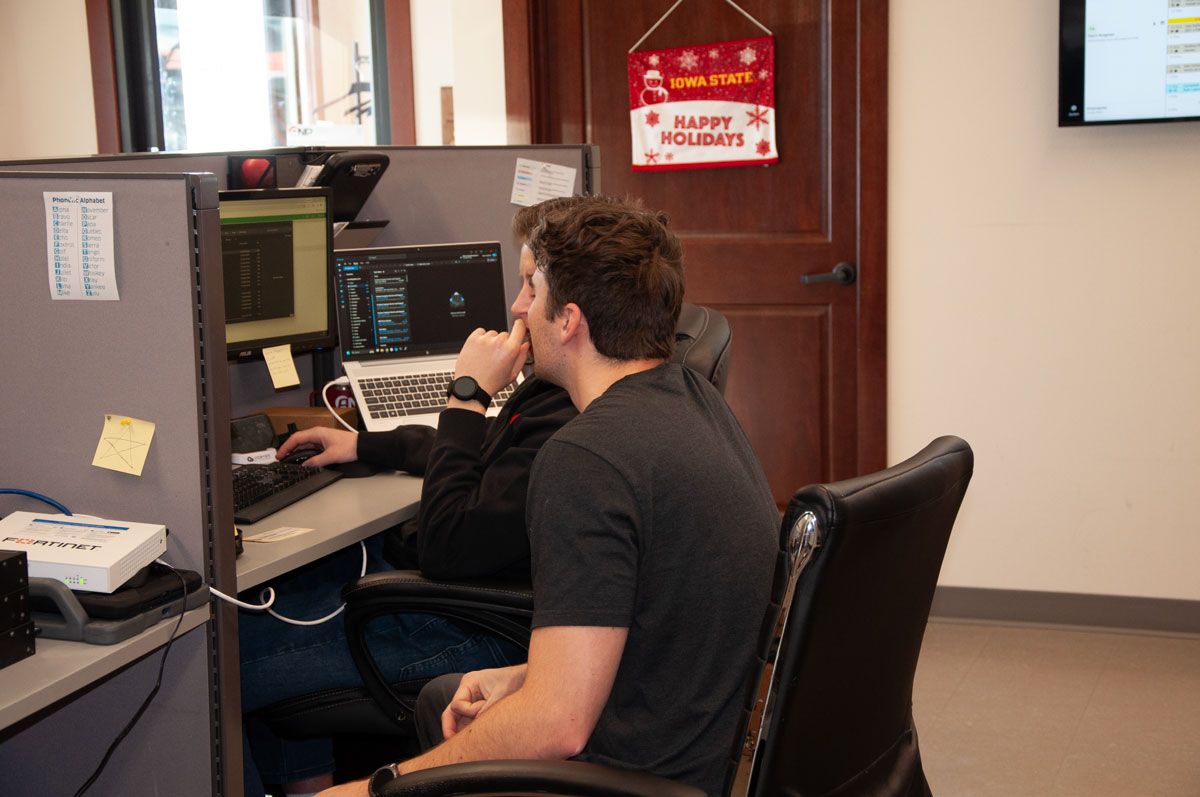
Co-managed IT means keeping the IT person you already have and adding an outside provider alongside them, with each side owning a specific, written-down piece of the work. Your person keeps what only an insider can do: knowing the business, supporting coworkers, running the systems they built. The provider takes what one person cannot cover alone, usually round-the-clock monitoring, security tooling, patching at scale, after-hours response, and the specialties nobody stays current on by themselves. It normally costs less than a second full-time hire and closes the gaps a single hire leaves open. One rule decides whether it works: every item gets exactly one owner. If both sides assume the other is checking the backups, nobody is.
Key Takeaways
- Co-managed IT adds an outside team alongside your internal IT person instead of replacing them.
- It usually costs less than a second full-time hire and covers the nights, weekends, and specialties one person cannot.
- Every task needs exactly one owner. Shared responsibility is another way of saying unowned.
- Put the split on one page, give every line a frequency, and name who reviews it.
- Keep your own tenant, domain, data, and administrator access no matter who runs them day to day.
Why does one good IT person still leave gaps?
First, because it is what most owners assume when they hear the term: co-managed IT is not a polite way of suggesting you get rid of the person you have. In the businesses around here that person is usually good. What has gotten away from them is the length of the list.
Think about harvest. You work your own ground all year and nobody knows it better, but when it comes off you bring in a custom crew, because there is no version of you that runs the combine, hauls, and gets the next field ready at the same time. Nobody in this county thinks less of an operation for that. What matters is that everybody knows which fields and which days. The year it goes sideways is the year you figured the crew had the tillage and the crew figured you did, so nobody worked that ground, and you find out about it in April.
One person carrying IT is the same story. A tech coordinator with four buildings. An office manager at a clinic who got handed IT along with payroll and the phone system. A plant running three shifts with one guy who actually understands the network.
And the job has grown underneath all of them. Ten years ago it was keeping machines running and the internet up. Now the same person runs endpoint detection and response, enforces multi-factor authentication everywhere, holds a patching cadence they can prove, administers a cloud tenant, and fills out insurance questionnaires that read like technical audits, because at this point that is what they are. That was never one job. It is definitely not one job at two in the morning on a Saturday, which is when servers like to go.
What is co-managed IT, exactly?
Fully managed means a provider runs and protects everything and you have no internal staff. In-house means you carry all of it yourself. Co-managed is the middle: you keep your person and contract a provider to take a defined portion of the work, on the same systems, at the same time.
What the provider is really selling is what you cannot get from one more hire. Tooling that is already licensed and already tuned: a monitoring platform, endpoint detection and response, centralized patch reporting. Somebody awake at the hours your person is not. A bench, so a firewall rebuild gets a specialist for three weeks instead of a salary you did not need year-round.
Done badly, this turns your person into a ticket-taker. Done right, it takes the endless after-hours half of their job and hands back the half that requires actually knowing your business.
Who owns what, and how do you write it down?
Go back to the custom crew. What makes that arrangement work is not goodwill or a good relationship. It is that everyone knows which fields. Same principle here: every item gets exactly one owner, and “shared” is the word that quietly means unowned, because both sides read it as permission to assume the other one has it.
The split mostly writes itself once you ask who is better positioned. Your person keeps what benefits from being in the building: walk-up support, the line-of-business applications and the vendors attached to them, onboarding and offboarding, and the institutional memory for why things are configured the way they are, which is the one thing you genuinely cannot buy from outside. The provider takes what needs scale, tooling, or a clock that never stops. Overnight monitoring and alert response. Patching with reporting you could hand an auditor. Endpoint detection and response. Firewall and switch configuration. Restore testing. Project work lands here too, because a network rebuild or a summer buildout needs more hands than you keep on payroll in February.
Then write it down. Not in a contract appendix neither side ever opens again, which is where this normally goes to die. One page, somewhere both your person and the provider can see it. Every line gets one owner, and if it is time-sensitive that means a person’s name and a backup rather than a company. Every line gets a frequency, because “patching” is not a commitment and “monthly, reported by the fifth” is. And the page gets a review date, twice a year and again whenever somebody leaves on either side, since turnover is when a line loses its owner without anyone noticing.
The lines that get forgotten are predictable enough that I can just list them for you. Firewall, switch, and access point firmware. Restore testing as its own line, separate from whether the jobs ran, with your recovery point and recovery time objectives beside it. Offboarding across every system rather than just email. Domain and certificate renewals. The server a software vendor logs into whenever it suits them. And each alert type, with somebody having already decided which ones earn a phone call and which wait until morning.
If you would rather build the page off a neutral checklist than take anyone’s word for what belongs on it, CISA’s Cross-Sector Cybersecurity Performance Goals are written for organizations this size and cover the baseline controls worth assigning.
Where does co-managed IT go wrong?
Four seams open up, and it is always the same four.
The first is the distance between covered, monitored, and answered. An alert landing in a dashboard is not a human seeing it, and a human seeing it is not somebody with authority to act at eleven o’clock on a holiday weekend. Ask what happens to a critical alert at that hour, and who gets called if the first person does not pick up. If a phone tree turns up anywhere in that answer, you have bought an answering service.
The second is a counting problem. Workstations always get covered because they are easy to count. The infrastructure underneath them is harder to count and quietly falls off the list. Those pieces sit unpatched for years, and they are the first thing an attacker goes looking for, because they know perfectly well how the list gets built.
The third one I will plant a flag on. When we run our first audit with a new client, the single most common finding is that they have no properly recoverable backups. Usually the jobs are running fine. Nobody has ever restored from them. Co-managed makes this more likely rather than less, because the provider figures the internal person is spot-checking restores and the internal person figures it is covered in the fee. Name who restores a test file, how often, and who sees the result.
Fourth: accounts. Two teams on one network drift toward a shared administrator login because it is convenient, and after that nobody can tell you who changed what. Everyone with privileged access gets their own. One set of keys also stays yours regardless of who does the daily work: your Microsoft 365 tenant, your domain, your licensing, your data, with a global administrator account you control. Good providers set it up that way unasked. If one wants those in their own name, that is a retention strategy dressed up as a technical requirement, and you are allowed to say so.
Fair warning. The first couple of months are uncomfortable, because somebody has to sit in a room and say out loud that a task nobody has done in a year now has their name next to it. Uncomfortable is fine. Better meeting than the one after an outage.
Is co-managed IT right for your business?
The vacation question sorts most of it. If you quietly dread the week your IT person is out, you already know the answer.
Two cases where it is the wrong call, though. With no internal staff at all you want fully managed, because there is nobody to co-manage with. And if your person is dead set against it, listen instead of steamrolling. Nine times out of ten what they object to is being made to look replaceable, which is fair enough, and it evaporates once they see the split in writing and work out that they just got their evenings back.
If you are weighing the models more broadly, our guide to managed IT versus in-house versus break-fix covers the full comparison and what managed IT services actually cost explains how the pricing is built. Either way, start with an honest technology audit, because you cannot divide up work you have not inventoried.
Where ANP fits
Advanced Network Professionals has been doing this out of Spencer since 2017, working with businesses, districts, and clinics across northwest Iowa and the Iowa Great Lakes. We are a local team of 17, Microsoft and Fortinet certified, so when your internal person needs somebody on site it is a drive across town rather than a flight. ANP runs fully managed IT services for organizations without internal staff and co-managed IT for the ones who have a person they want to keep, both with 24x7x365 support. Every engagement starts with an audit, which is usually where the unowned items and untested backups turn up, and the duties go on paper before anybody touches anything. Not sure which model fits? A short technology consulting conversation is the place to start. One honest note: none of this removes your risk. It shrinks it, and shortens how long you are down when something gets through.
Frequently Asked Questions
Does co-managed IT mean my IT person loses control?
No, and if a provider structures it that way, push back. Your internal person should keep administrative ownership of the environment and stay the decision-maker on anything that affects how the business runs. The provider works a defined scope alongside them. You are taking work off their plate, not authority.
Is co-managed IT cheaper than hiring a second IT person?
Usually. The Bureau of Labor Statistics put the median annual wage for network and computer systems administrators at $96,800 as of May 2024, before benefits, training, or the platforms that person would still need to do the job. Co-managed buys a slice of a team and its tooling instead, and it covers nights and weekends, which a second hire on a normal schedule does not. Price both against the same written list of duties rather than comparing them in the abstract.
Who owns the security tools and licenses in a co-managed setup?
It varies, so ask before you sign. Some tooling is genuinely the provider’s platform and leaves when they do, which is normal. What should always be yours is your Microsoft 365 tenant, your domain, your data, and your own administrator access. Ask what you would still have on day one if the relationship ended.
What happens when my IT person is on vacation or leaves?
That is one of the strongest arguments for the model. The provider already holds documentation, access, and history on your environment, so a vacation is routine instead of an emergency, and if your person moves on you are not starting from zero while you hire.
Get a straight answer from a local team
If you have somebody in-house and you are not sure whether to add to them or add alongside them, that is a short conversation. Request a quote or contact ANP and we will start with what you have and who is covering it today. No pressure, no jargon.